Alerts & Destinations
The alerts surface is part of the enterprise edition, and so are the chat and paging destinations. A community build has no Alerts page, no Alert Destinations page, and no KPI to arm an alert from.
Two things on the community side are related but are not this page. Feed Health can put an expectation on a feed and raise it when data stops arriving, and email and generic webhook remain the two destination types the backend carries.
An alert watches a condition on a query's result and notifies people when it triggers. Alerts live in Monitor → Alerts.
The alert list
One list, no tabs. Each row carries the alert's name, the query it watches, its state, who created it, and when it last triggered ("Never" until it has). Every column sorts.
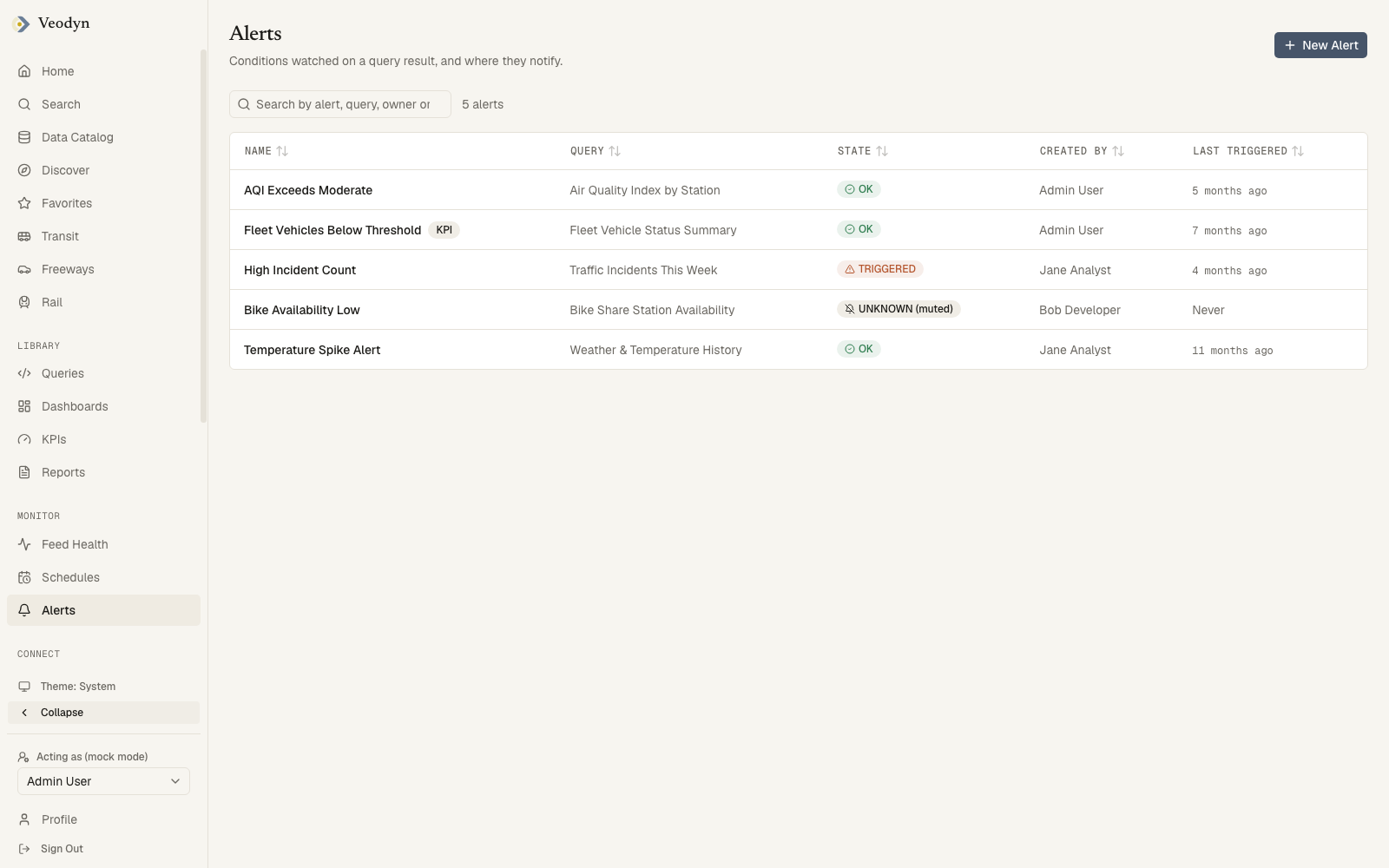
A KPI badge beside a name marks an alert managed by a KPI rather than created by hand. Those are created for you when you arm a KPI's breach threshold, so their Created by reads as the service rather than a person.
Search covers alert name, query name, owner and state together, so triggered lists everything currently firing without needing a status filter.
This page has no separate error state. If the alert service cannot be reached, or while the list is still loading, the page reads No alerts configured, which is indistinguishable from an instance that genuinely watches nothing. Reload before concluding that nothing is armed.
Creating and editing an alert
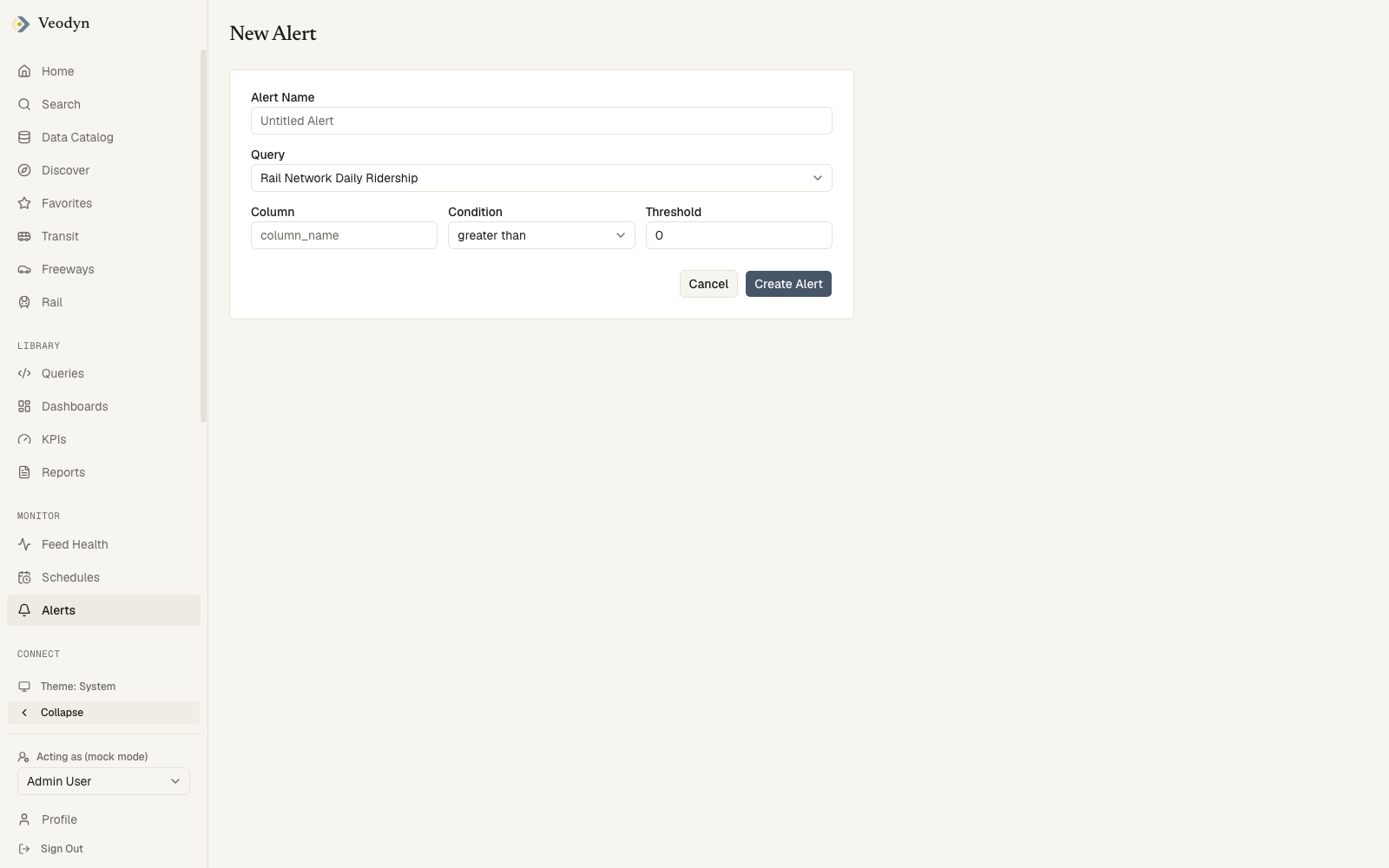
New Alert asks for a name, the query to watch, the result column, the condition, and the threshold. The alert evaluates whenever its query refreshes (schedule the query to keep the alert live).
An alert's page shows its state with a plain-language explanation, and the facts: query, condition, rearm behavior, last trigger, and destinations. Ordinary alerts can be muted/unmuted, edited, or deleted.
KPI-managed alerts are read-only: their condition follows the breached threshold on the owning KPI, and the page says so, offering "Edit the KPI" instead. Recipients remain yours to change.
The editor refuses rather than guesses when it cannot tell which kind it is dealing with. If the KPI list has not loaded, it will not open the form at all, explaining that whether a KPI manages this alert is unknown and that a managed alert would be refused on save. That is a deliberate choice: opening the form and failing at the end would waste the edit.
An alert id that does not exist says Alert not found.
Notifications
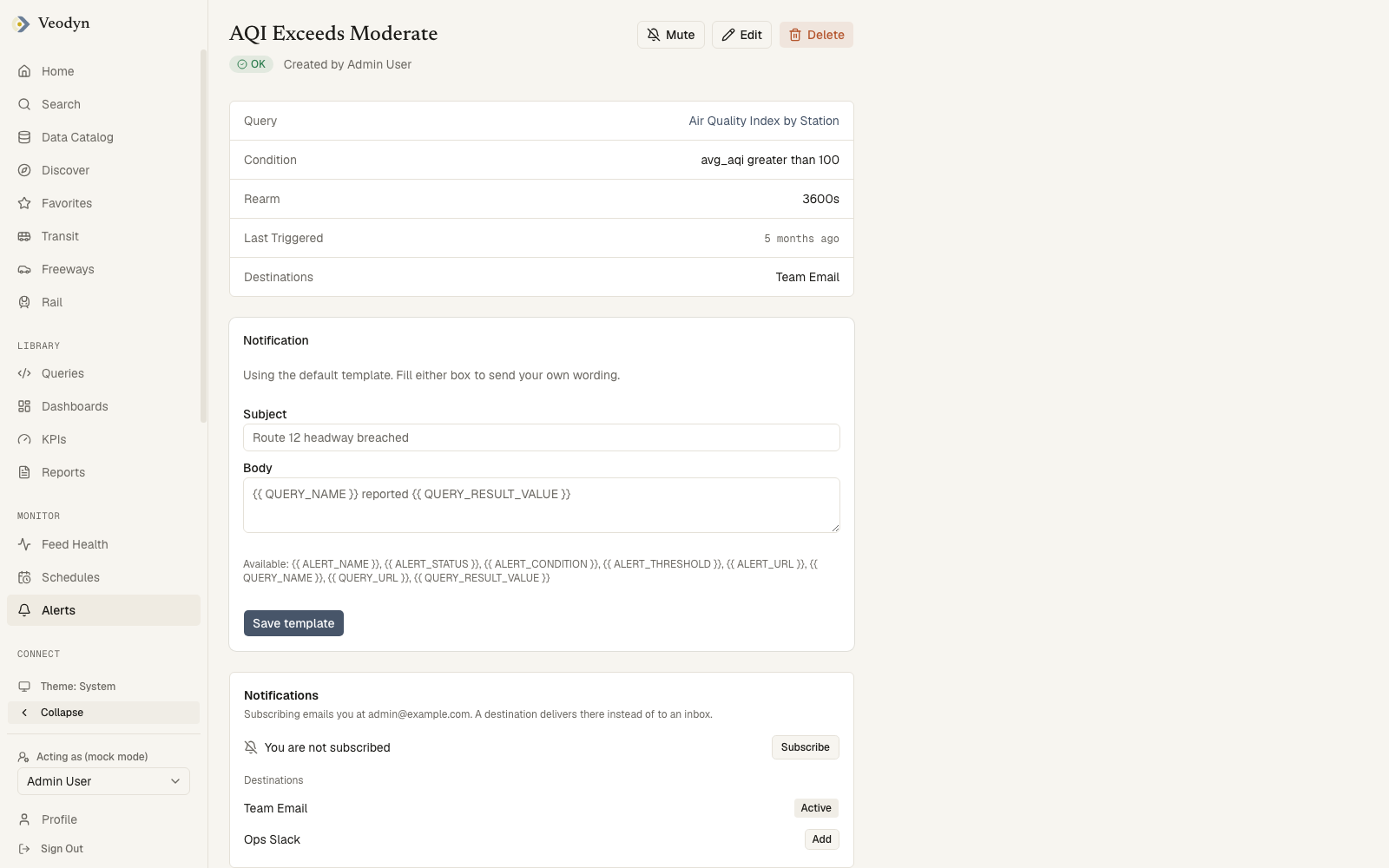
Below the facts, each alert has:
- A notification template editor, controlling the message a trigger sends.
- Subscriptions: who gets notified, and through which destination.
Destinations (admin)
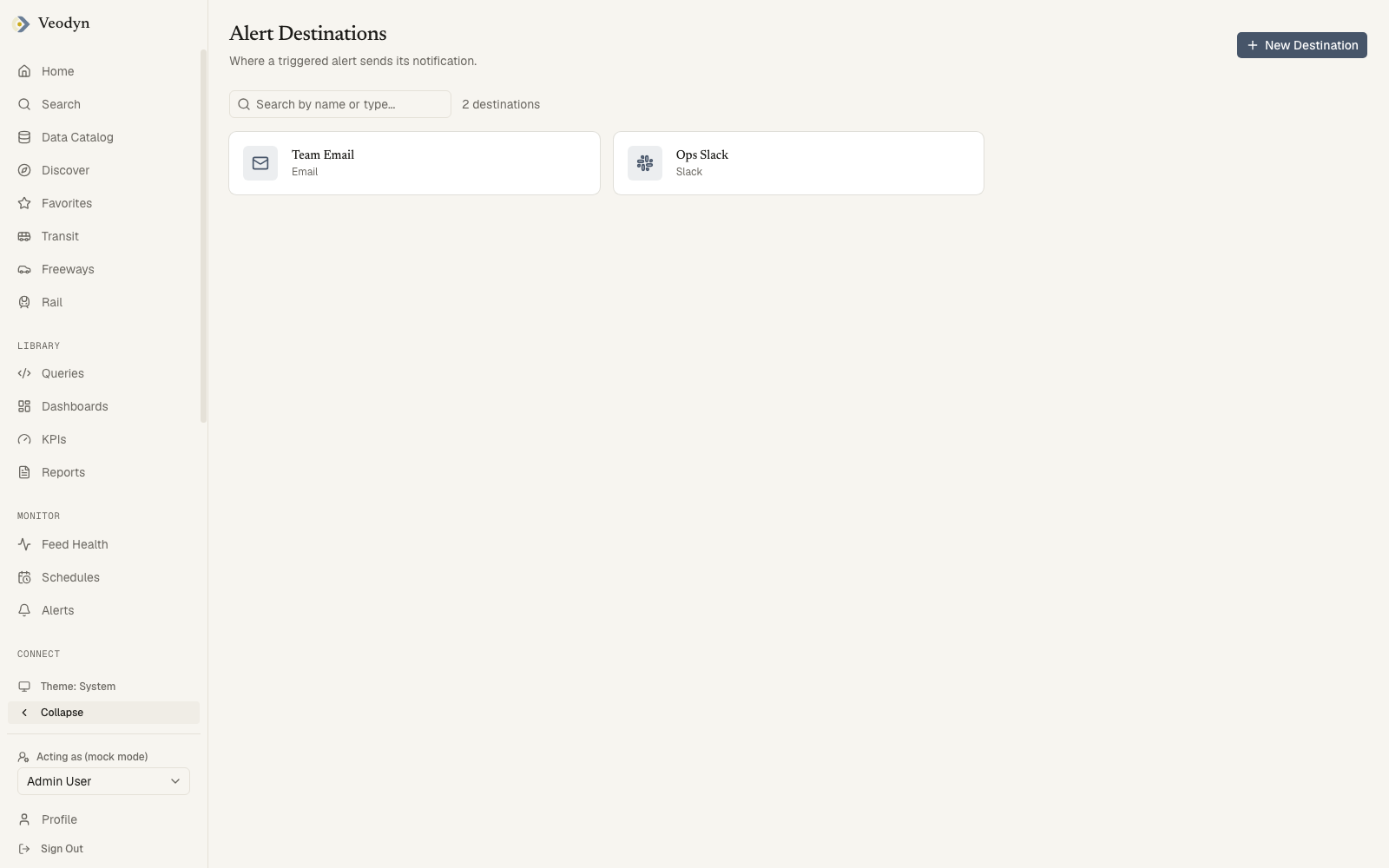
Admin → Alert Destinations is where an administrator configures the channels alerts can notify through: email, webhooks, chat integrations, and the other destination types the backend supports. Each is a card showing its name and type, searchable on either.
New Destination opens a type picker, then the fields that type needs. A destination's own page lets you edit those settings and delete it, and says Destination not found for an id that matches nothing.
Adding one asks for its type first, because the fields a destination needs follow from it, and opening an existing one shows the same form seeded with what is stored.
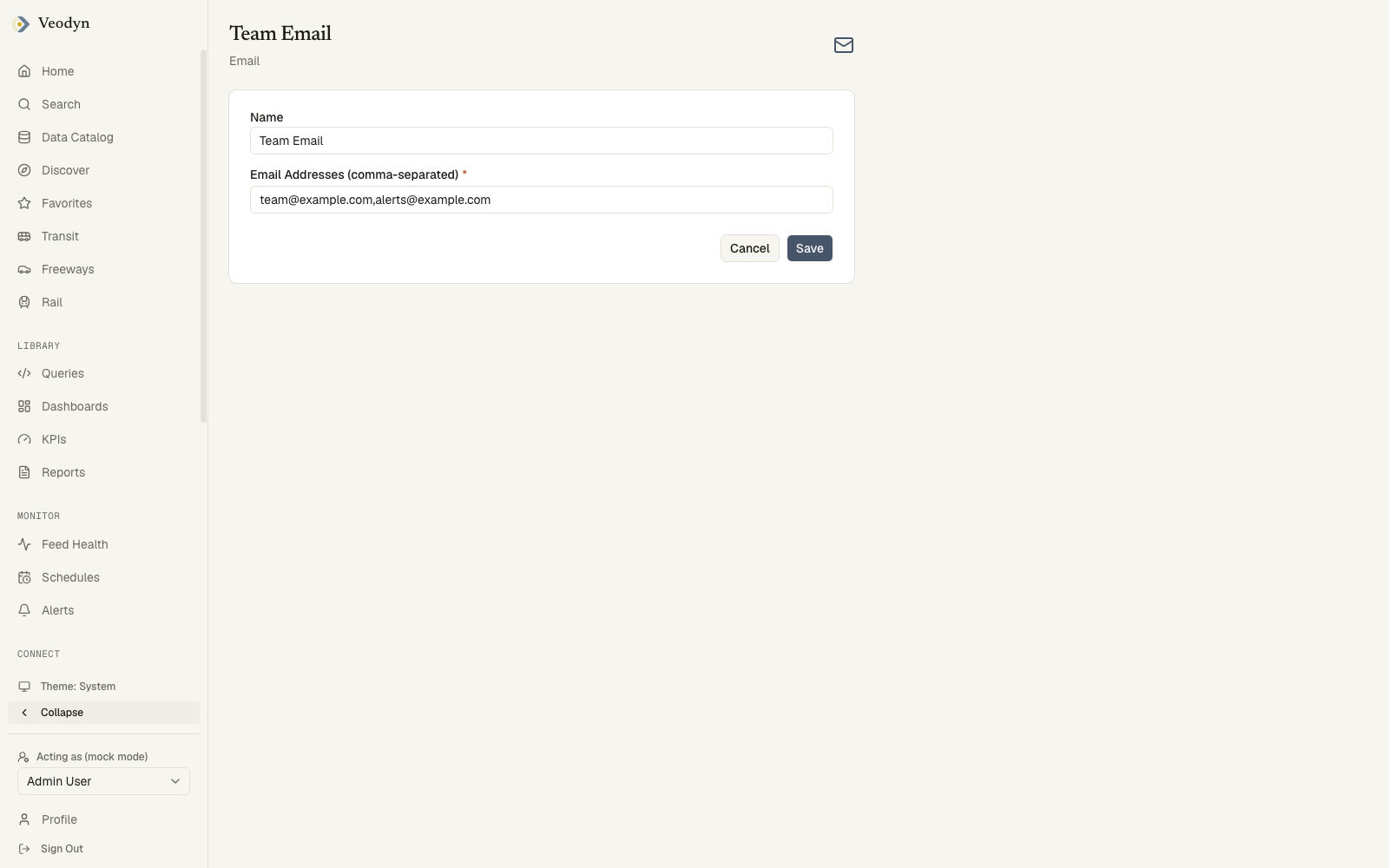
Once a destination exists it becomes available for users to subscribe alerts to, which is the step that turns a triggered alert into a notification someone receives.
Like Data Sources, this list has no separate error state. A failed or still-pending read produces No alert destinations yet. Add one so a triggered alert has somewhere to go, which is also what a genuinely empty instance shows. The message tells you to add one, so it is worth reloading before doing so.
A destination's own page does distinguish them, saying Unable to load this destination. It may have been deleted, or the request was refused.